How ProWorx works

One workflow from customer request to paid job.

Request Estimate Schedule Job Invoice Payment

How ProWorx works

One connected path from first request to paid work and future growth.

See the workflow from first request to paid job.

Look professional from day one

A business page customers can actually use.

Show services and collect requests in one place.
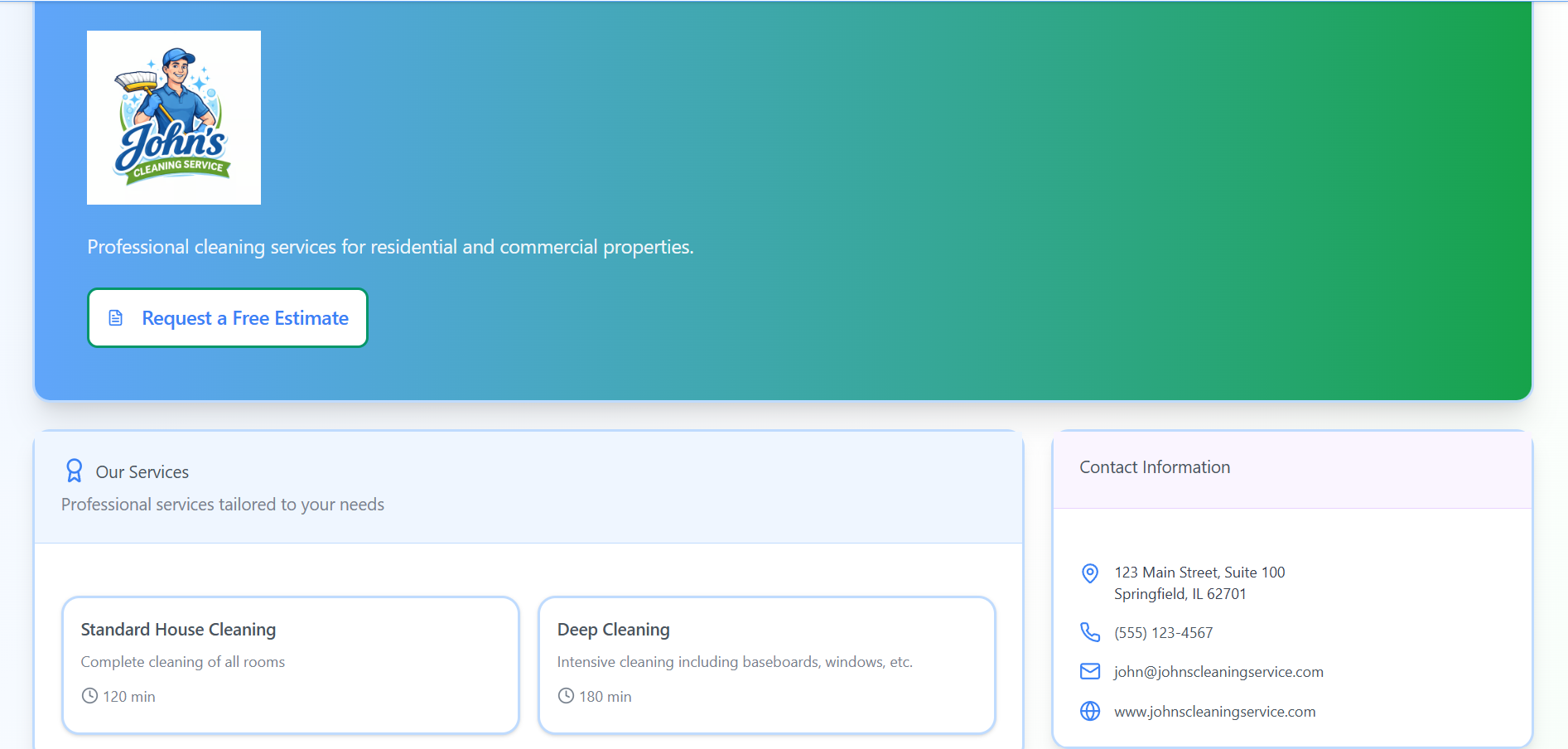
  • Services, hours, contact details, and review proof in one place.
  • A clear estimate request button instead of scattered messages.
  • A professional front door for operators who are still building their presence.
ProWorx public business page
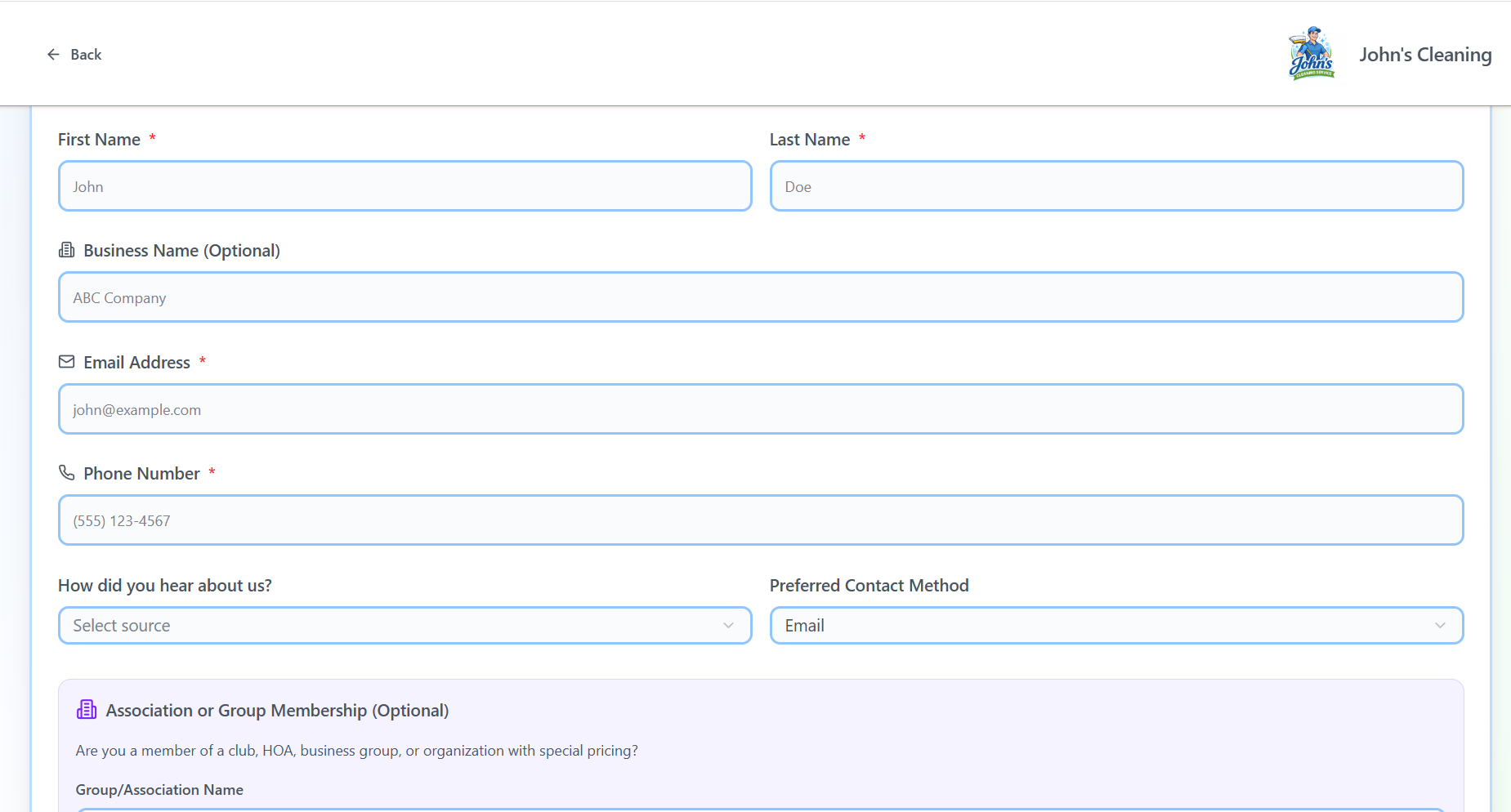
ProWorx customer intake form

Collect better requests

Structured intake instead of scattered details.

Collect details, photos, and job needs up front.

  • Support new and returning customers.
  • Collect service details, timing preferences, and job context.
  • Use AI carefully to help clarify requests without taking control away from the operator.

Know what needs attention

Daily operations stay visible.

See tasks, upcoming work, and what needs attention.
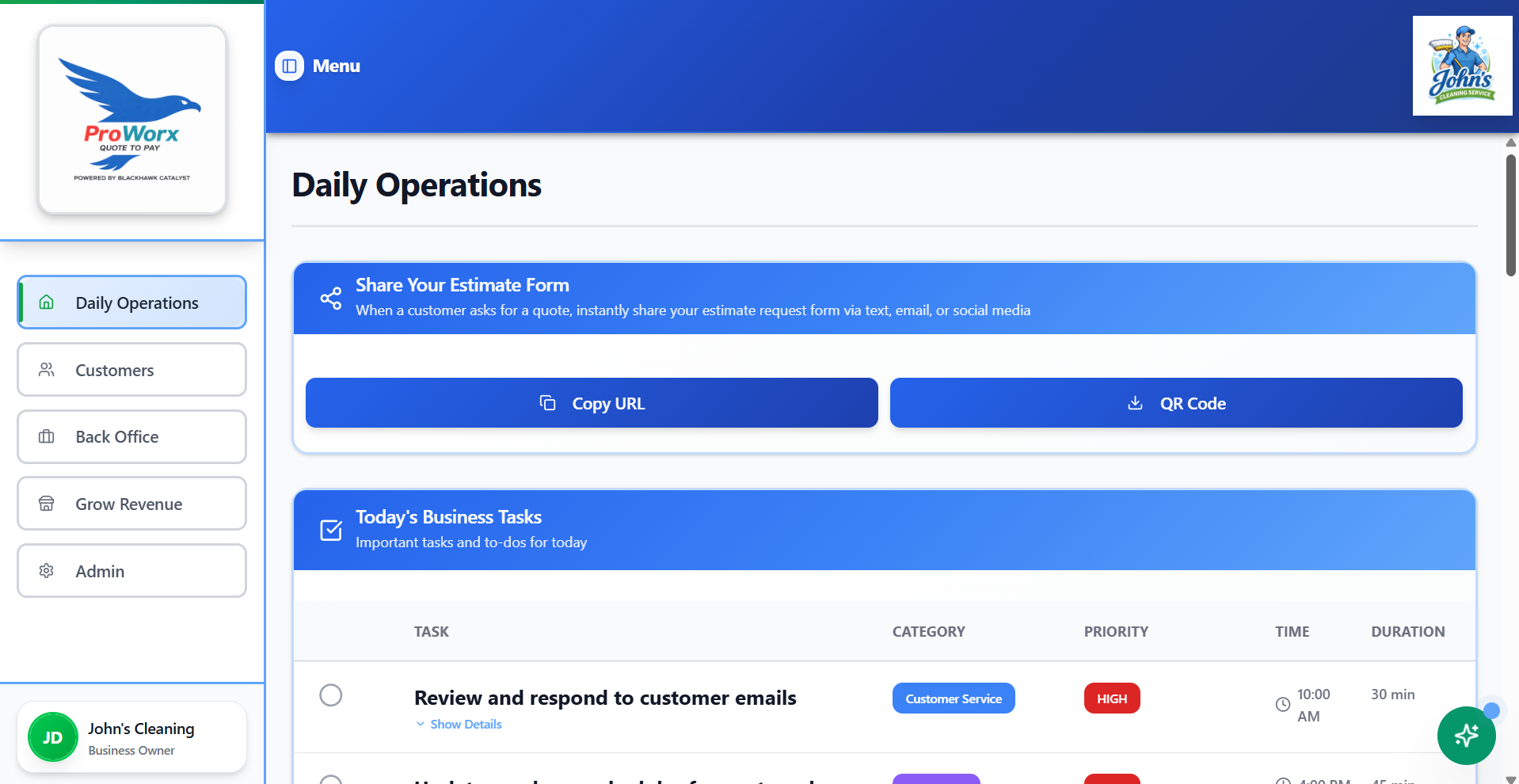
  • See open work without digging through disconnected tools.
  • Keep customer requests, jobs, and business tasks from living only in your head.
  • Run the business with a clear next step every day.
ProWorx daily operations dashboard
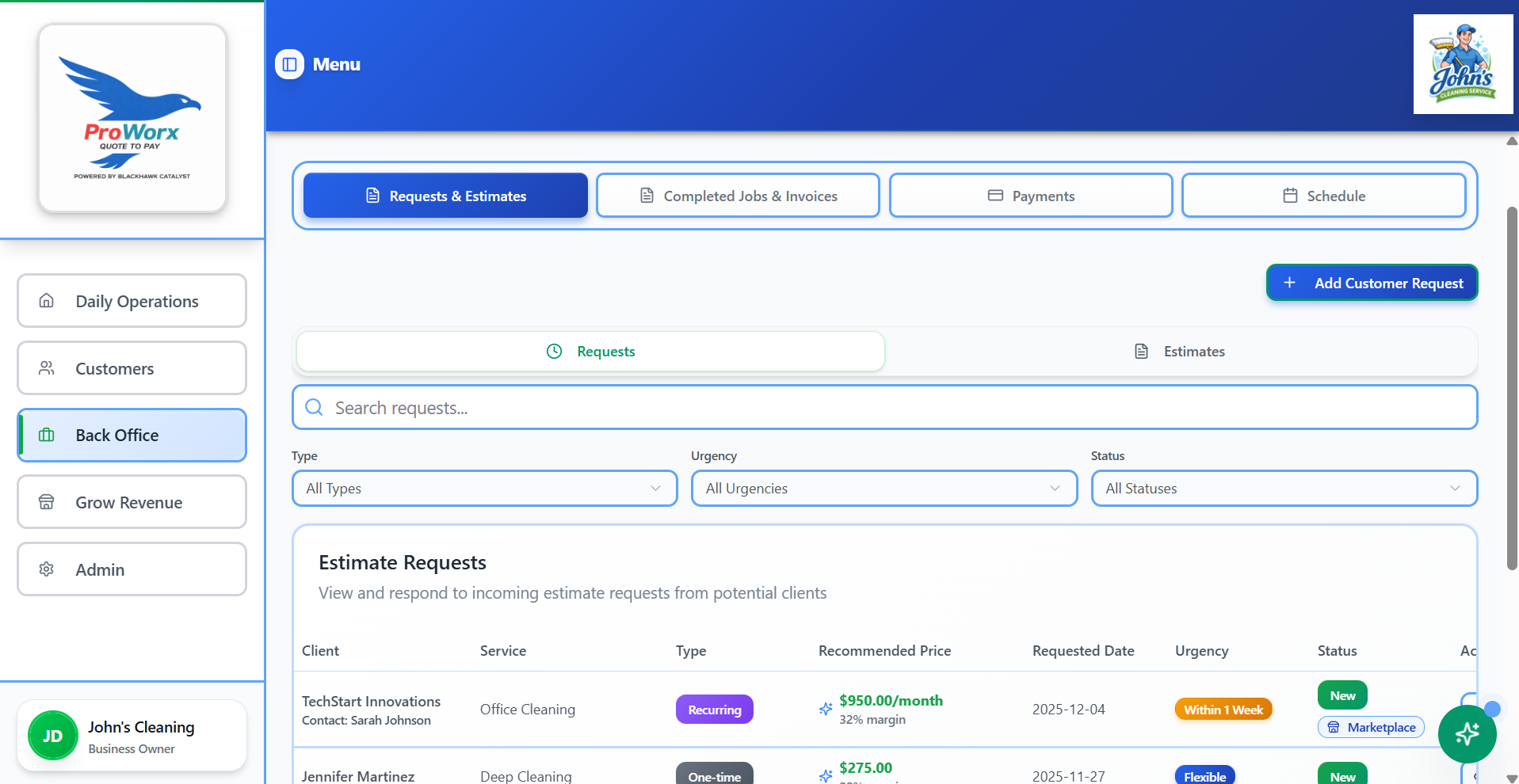
ProWorx estimates and invoices

Quote the work

Estimates and invoices follow the same path.

Move from request to estimate to invoice without re-entering the job.

  • Create clear estimates from structured requests.
  • Keep pricing, scope, and customer history connected.
  • Reduce the manual work that causes follow-up gaps and missed details.

Do the job consistently

Checklists keep quality from depending on memory.

Use repeatable job checklists as work grows.
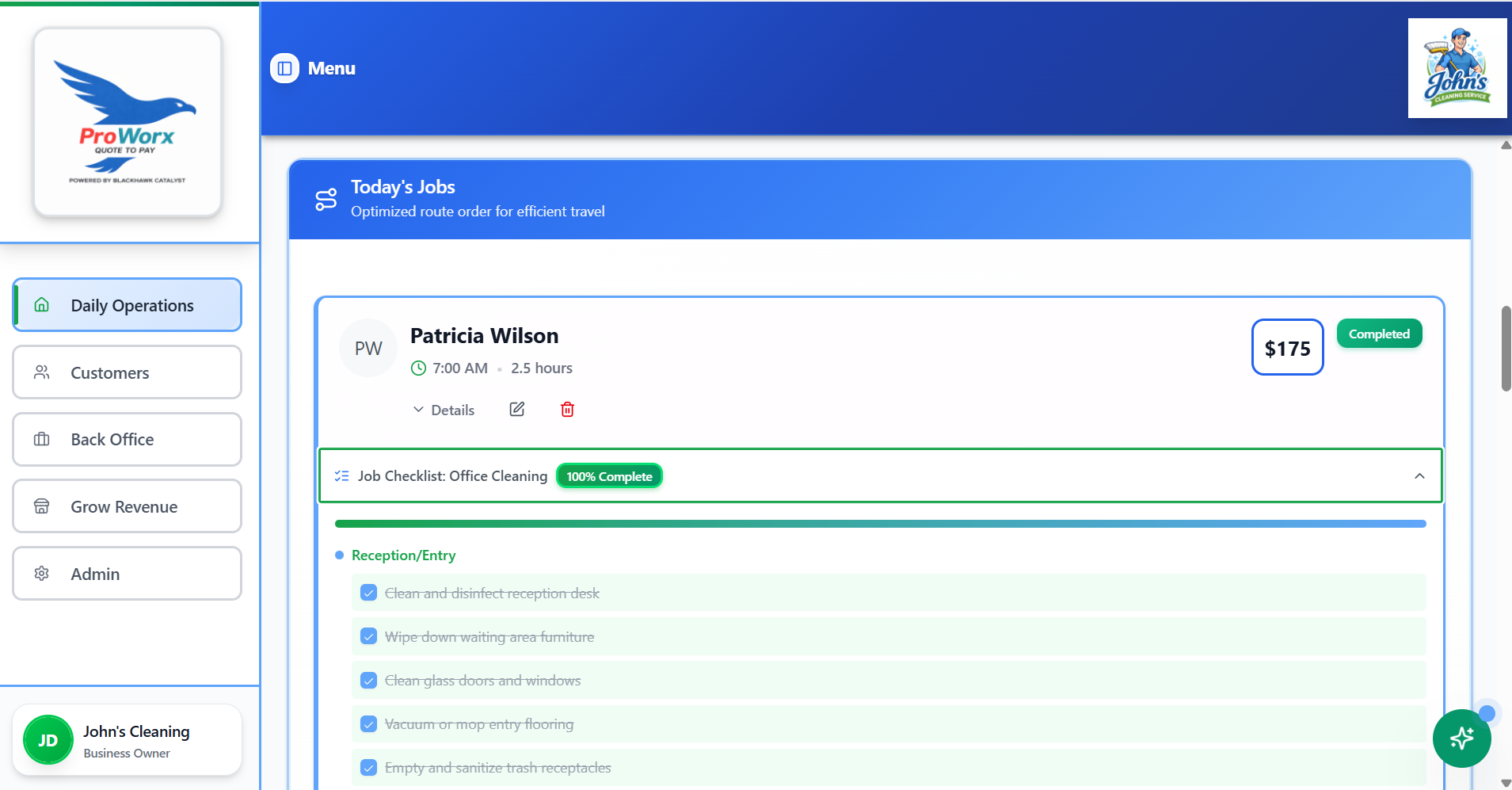
  • Keep job details and checklist steps connected.
  • Support consistency for solo operators and small crews.
  • Make the work easier to repeat without adding enterprise complexity.
ProWorx job checklist
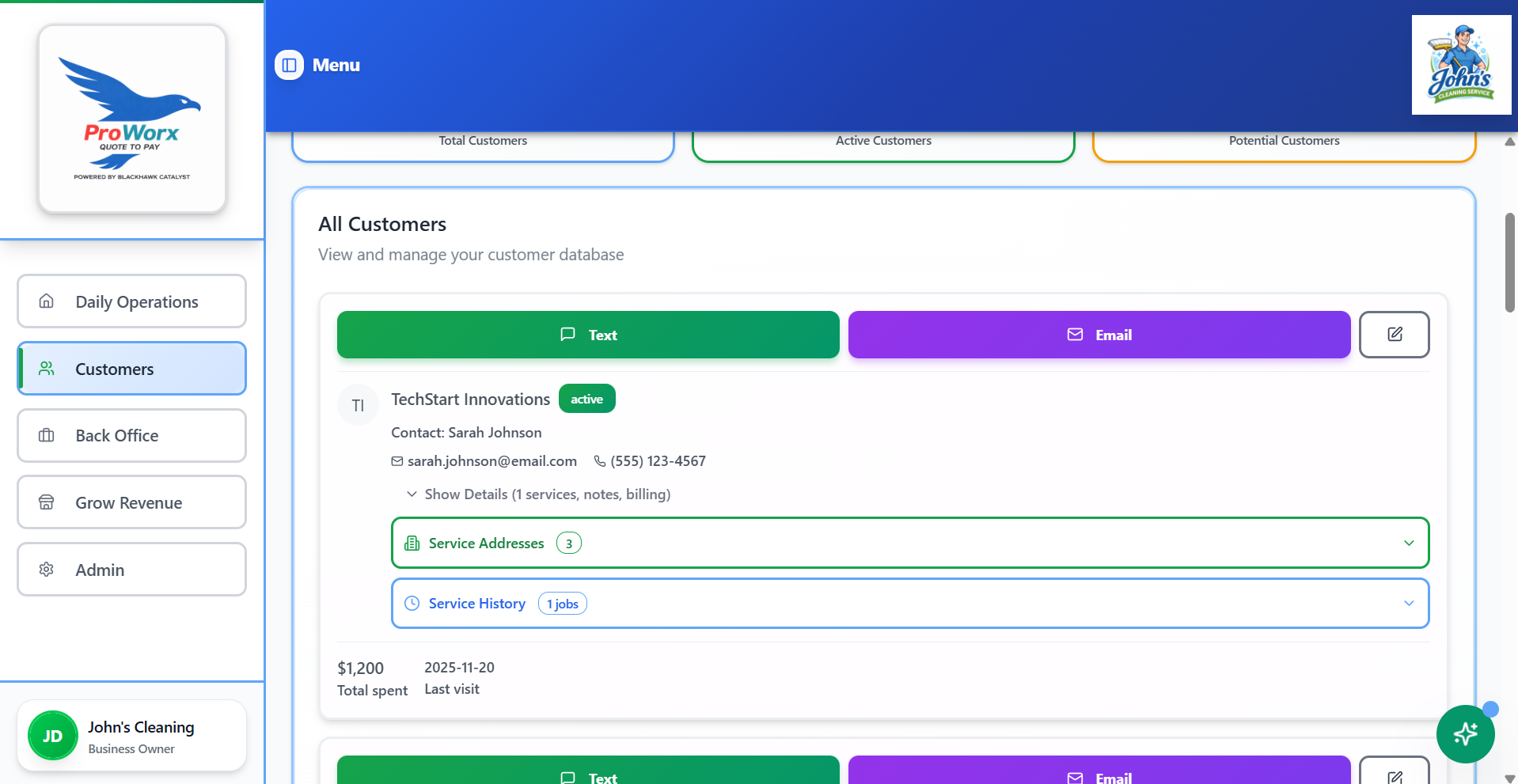
ProWorx customer management

Keep customer history

Customer records stay tied to the work.

Keep history, notes, communication, and billing together.

  • Keep customer details, job history, and past work connected.
  • Track notes, associations, referrals, and service records.
  • Make repeat work easier to manage professionally.

Get paid professionally

Payments stay connected to the job.

Give customers a clean way to pay.

  • Send professional invoices from the same operating flow.
  • Give customers a simple way to pay online.
  • Support price-aware payments without taking a percentage of the job.
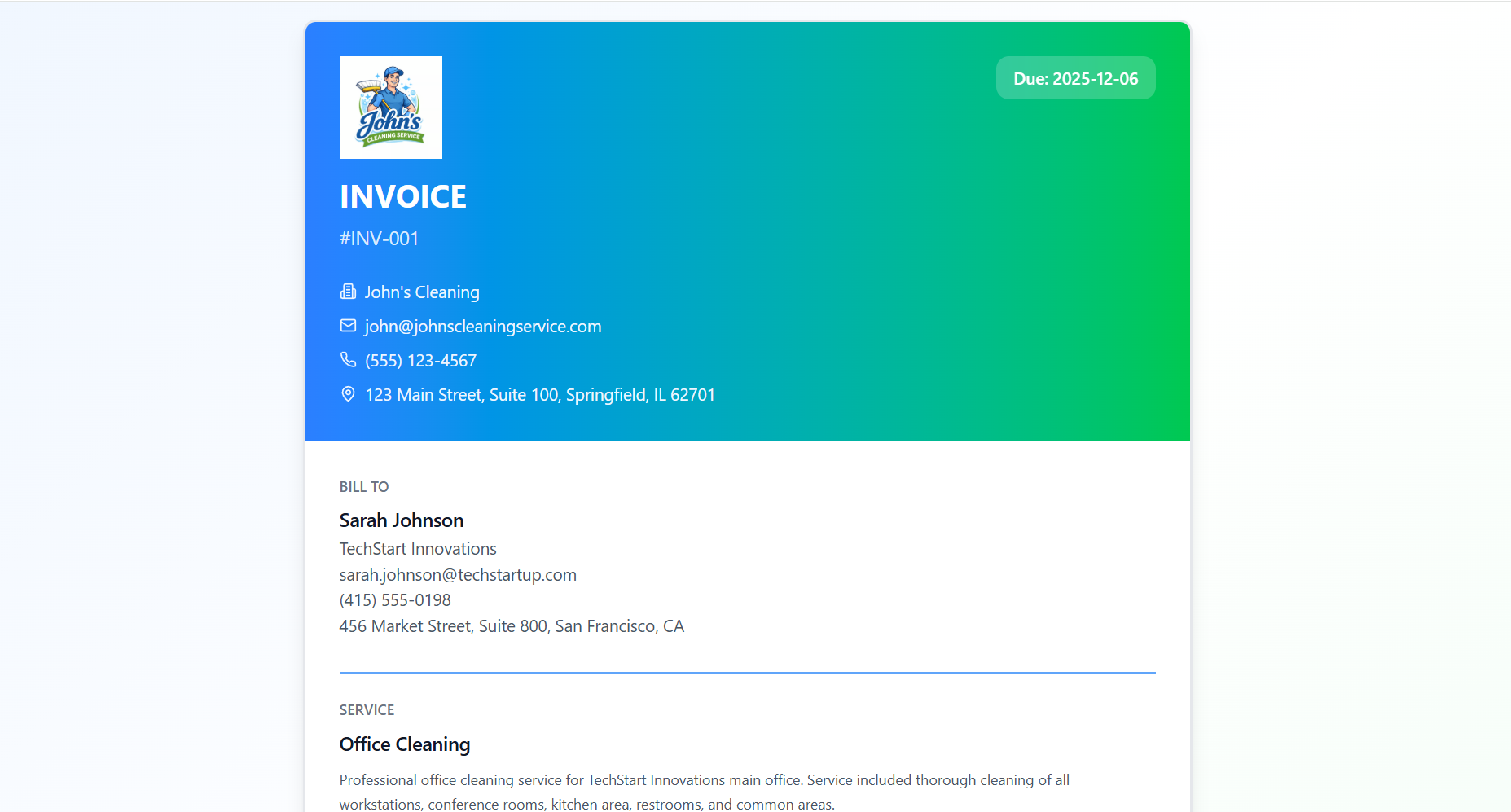
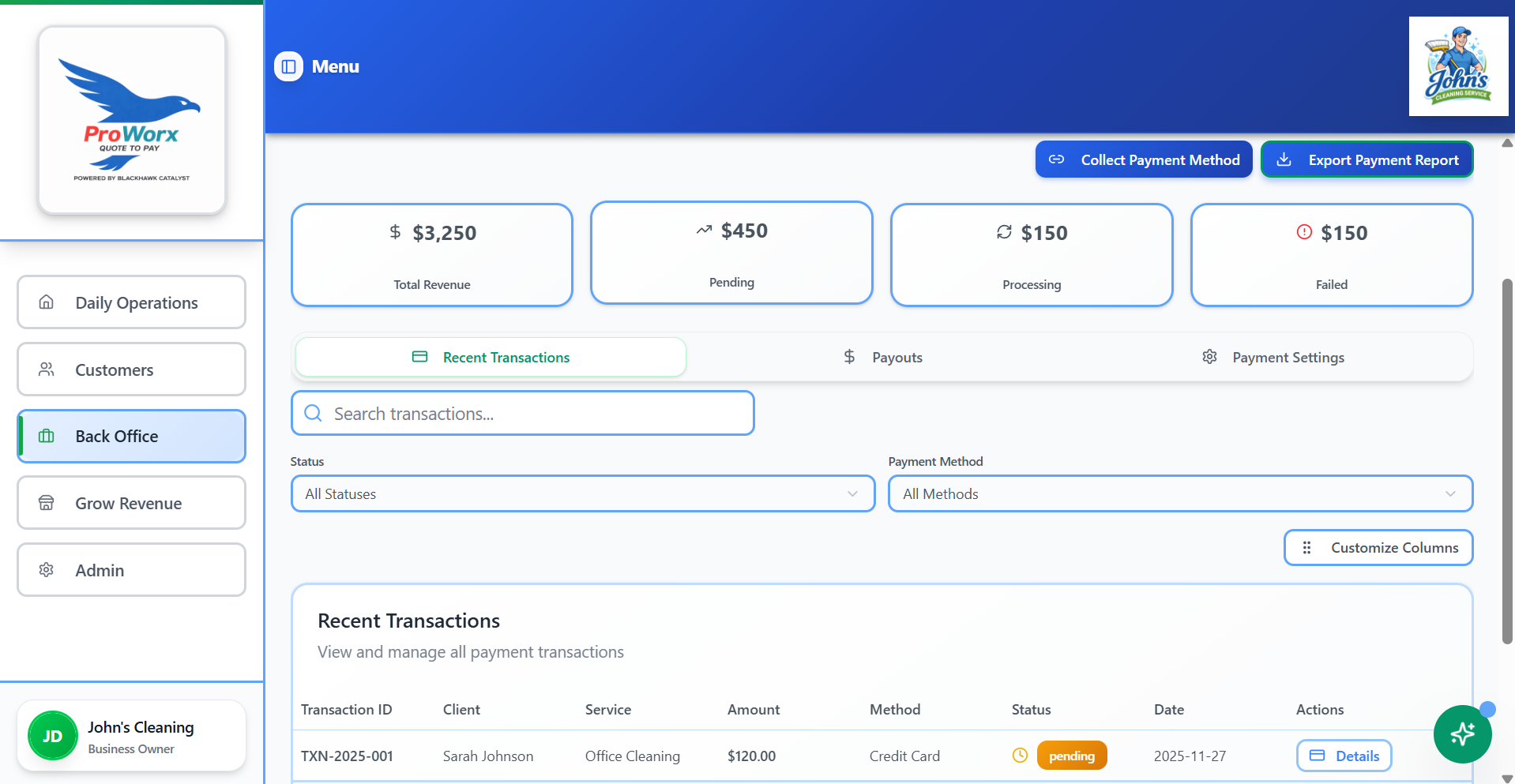
ProWorx invoice and payment flow
ProWorx payment management

Track payment status

Know what is paid, pending, or overdue.

See payment status at a glance.

  • See paid, pending, processing, and overdue payments.
  • Keep payment records attached to jobs and customers.
  • Close the loop after the work is done.

Build local trust

Google Business Profile support matters.

Build local trust and send happy customers to Google.
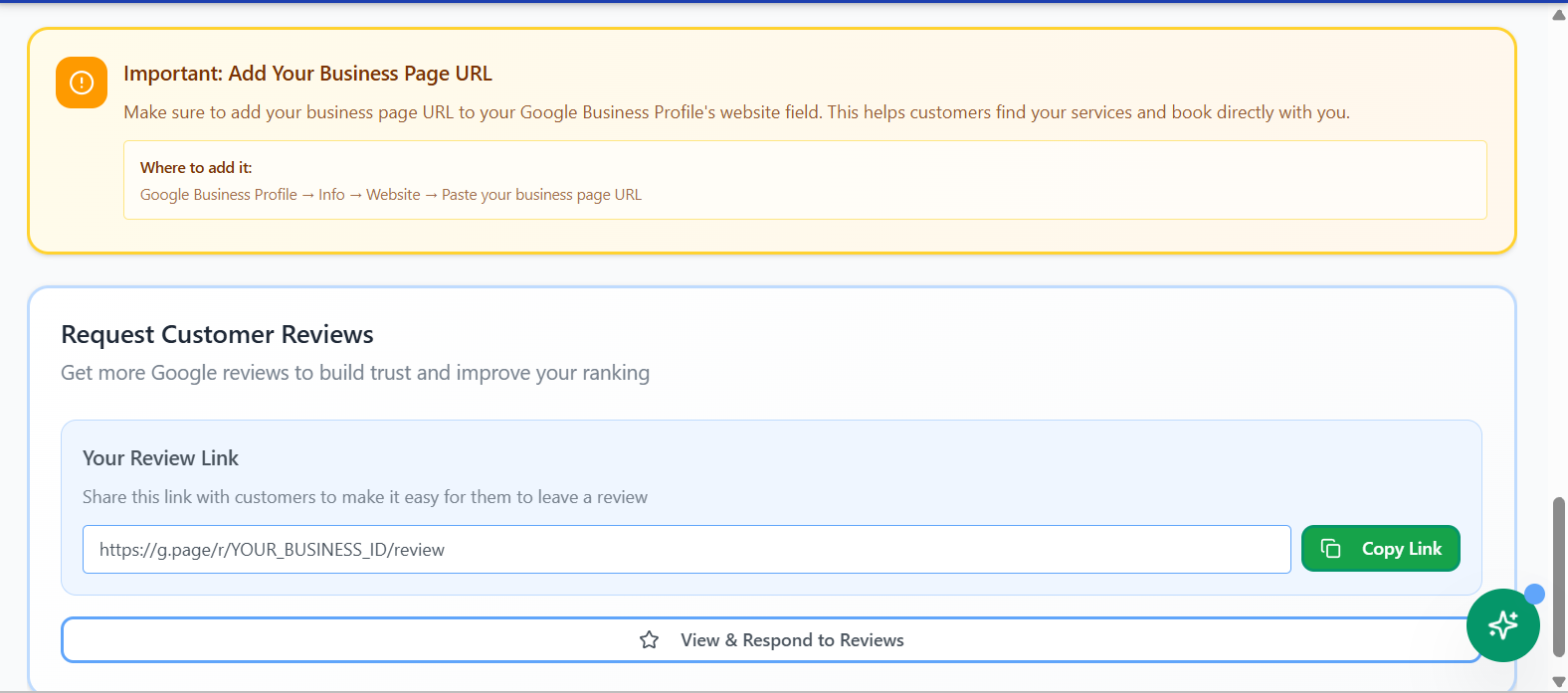
  • Help operators improve their Google Business Profile.
  • Add the business page URL where customers can request work.
  • Make it easier to ask customers for Google reviews.
ProWorx Google Business Profile tools
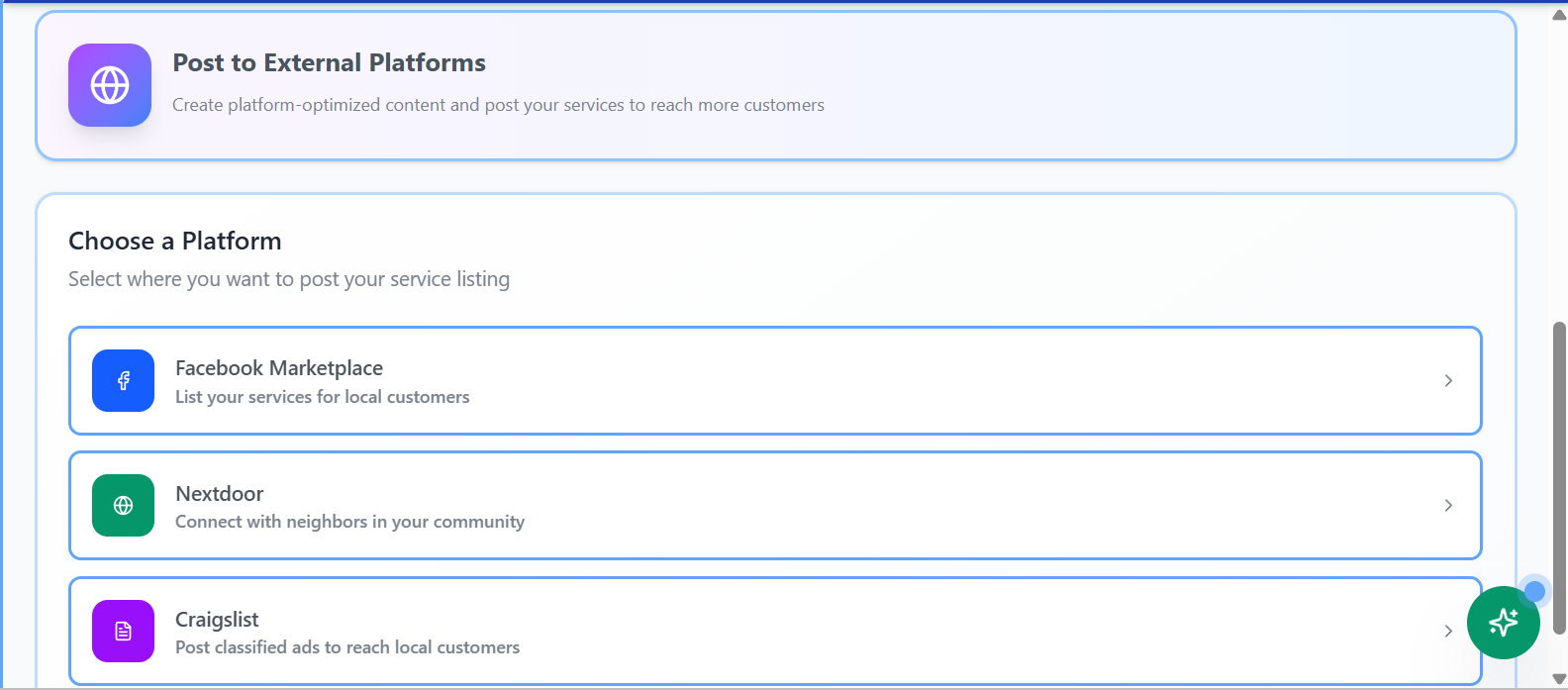
ProWorx marketing and external posting tools

Get in front of customers

Marketing help without making marketing the job.

Prepare posts for places customers already look.

  • Prepare content for channels like Facebook Marketplace, Nextdoor, and Craigslist.
  • Use AI writing help without handing over the customer relationship.
  • Bring interested customers back into a structured request flow.

Grow with visibility

Simple reports for real business questions.

See revenue, top services, top customers, and trends.
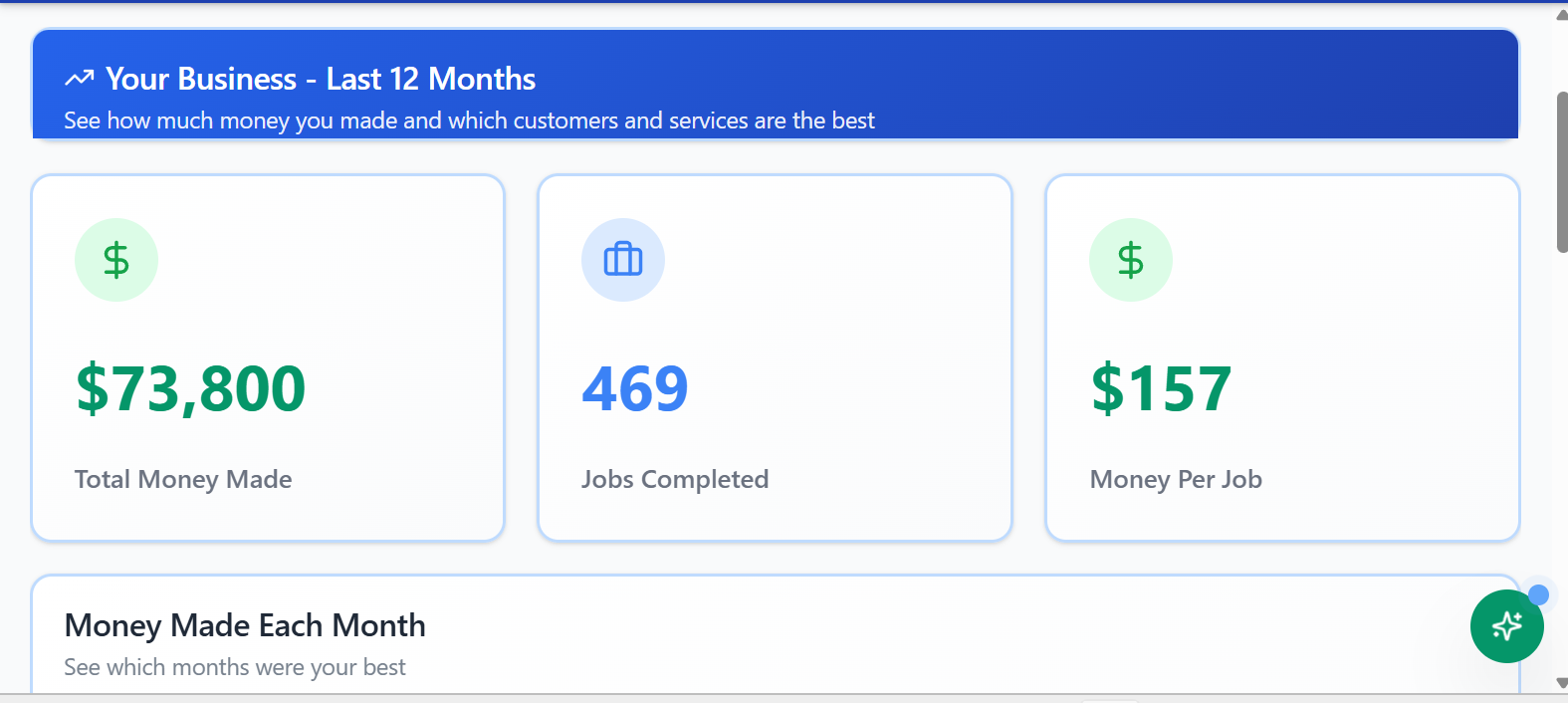
  • See how much money the business made.
  • Understand which services and customers drive revenue.
  • Grow the right way from the start, one decision at a time.
ProWorx revenue reports

FAQ

Product questions

What does ProWorx help me manage?

ProWorx helps manage the operating flow from customer request to estimate, job, checklist, invoice, payment, review, and future follow-up.

Can customers request estimates online?

Yes. Operators can share a public business page and intake link so customers can request work in a structured way instead of sending scattered texts or incomplete messages.

Does ProWorx support invoices and payments?

Yes. ProWorx connects invoices and payments to the job workflow so operators can send a professional invoice and give customers a simple way to pay online.

How does ProWorx help with Google reviews?

ProWorx is designed to help operators build their own Google presence. After payment, the customer can be directed to leave a review on the operator’s Google Business Profile.

Does ProWorx include marketing help?

Yes. ProWorx includes practical growth tools like Google Business Profile support, review links, customer campaigns, and help preparing posts for places like Facebook Marketplace, Nextdoor, and Craigslist.

Is ProWorx trying to replace the business owner with AI?

No. AI is used carefully at the edges to help operators move faster, write clearer, and organize information. It does not replace judgment or take over the customer relationship.

Ready for the next step?

Set up the system from here.

After you understand the product, the Getting Started page shows the path from signup to onboarding to running the workflow.

Continue to Getting Started